The Best Text-to-Speech Extension with Word Highlighting & Focus Mode
Reading on the web can be overwhelming. Distracting ads, notifications, and visual clutter make it hard to focus. A modern text-to-speech extension with word highlighting transforms your reading experience into something immersive and distraction-free.
Why Word Highlighting Matters
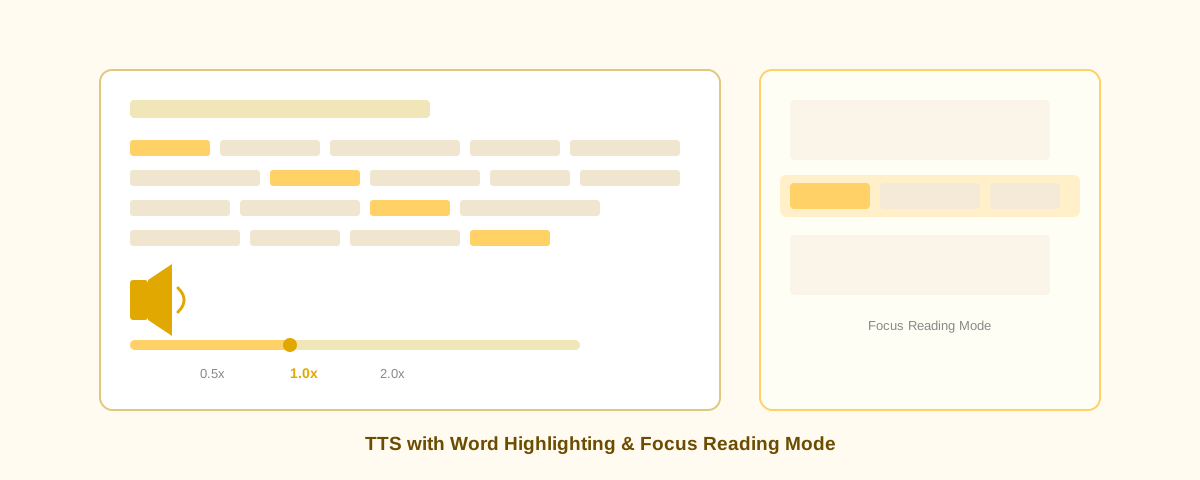
When you listen to text being read aloud, keeping up requires mental effort. Word highlighting solves this by visually tracking which word the extension is reading in real time. This synchronization between audio and visual feedback:
- Improves comprehension and retention
- Reduces cognitive load by eliminating the need to manually track your place
- Helps readers with attention difficulties stay engaged
- Works especially well for long-form content like articles, blog posts, and documentation
Focus Mode: Eliminate Distractions
Focus mode in a TTS extension goes beyond simple text-to-speech. It creates a distraction-free reading environment by:
- Dimming or hiding page elements outside the focused text area
- Removing ads and sidebars from view
- Creating a centered reading zone with optimal line length
- Letting you adjust font size, line spacing, and background color for comfort
This is why many people with dyslexia and reading difficulties prefer extensions with focus mode—it removes the visual noise that makes reading harder.
Key Features to Look For
- Real-time word highlighting – Highlights the current word as audio plays
- Customizable colors – Choose highlight colors that work for your vision
- Speed control – Adjust playback speed from 0.5x to 2x or faster
- Voice options – Multiple natural-sounding voices to choose from
- Offline support – Works without internet (no cloud dependency)
- Privacy-first design – No data tracking or account requirements
Best Practices for Using TTS with Focus Mode
To get the most out of word highlighting and focus mode:
- Adjust the playback speed to match your reading pace (most people find 1.25x-1.5x optimal)
- Use a quiet environment to minimize competing audio
- Take breaks every 20-30 minutes to rest your eyes and ears
- Experiment with different voice options to find one you enjoy
- Customize highlight colors for contrast and comfort
Accessibility Impact
For users with visual impairments, dyslexia, ADHD, or general reading fatigue, TTS extensions with word highlighting provide significant accessibility benefits. They're also invaluable for ESL learners improving pronunciation and comprehension.
Getting Started Today
Ready to transform how you read? Install a free, privacy-first TTS extension that offers word highlighting and focus mode. No signup, no tracking, no subscription fees. Voice Reader is available for Chrome, Edge, Brave, and Opera browsers.